What Lockdown Browser Tests Mean for Hiring Teams
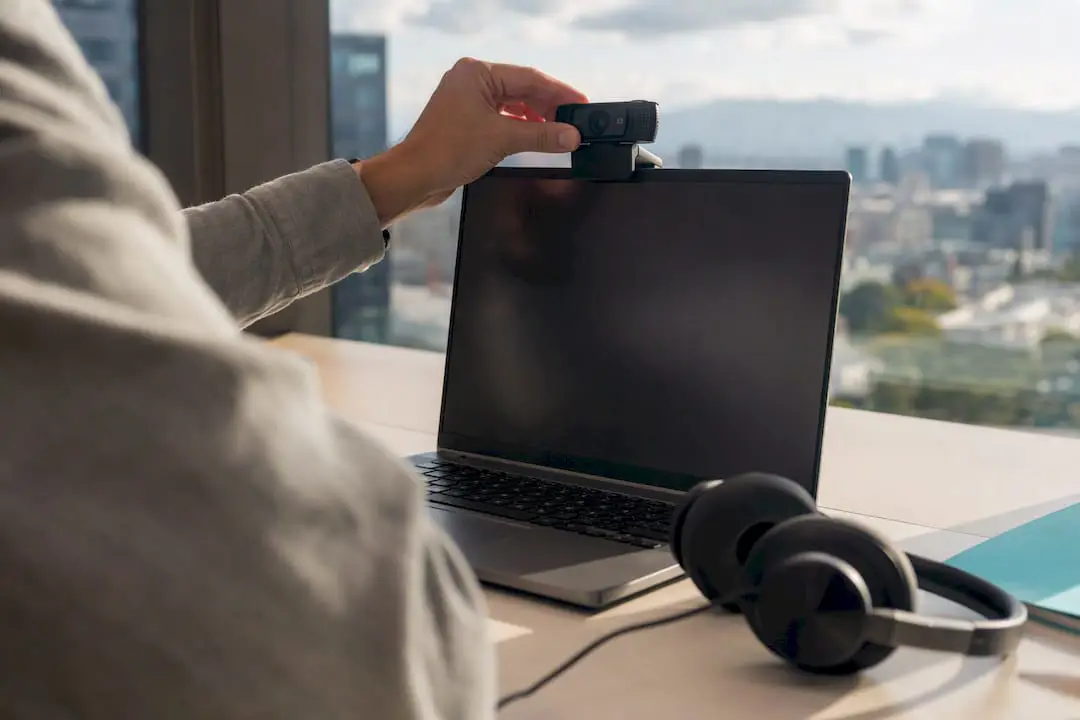
Lockdown browser tests lock a candidate’s device into a controlled testing environment, often paired with webcam and screen recording and clipboard or tab restrictions, so recruiters can verify that assessment results reflect a candidate’s own work. They’re worth deploying at high-stakes or integrity-sensitive screening stages, ideally alongside identity checks and a documented accommodation path. The tradeoff is real: stronger deterrence against cheating comes with more candidate friction and privacy exposure you need to manage deliberately.
TL;DR:
- Lockdown browsers are best suited for high-stakes assessments and should be paired with identity verification and an accommodation process to ensure fairness.
- Running a pilot with a small group helps calibrate false-flag rates, and a clear triage process is essential for managing flagged sessions efficiently.
- Privacy policies must specify retention limits, and controls should be role- and region-specific to mitigate legal and ethical risks.
- Integrity flags should be categorized into technical, behavioral, and identity anomalies, with human review prioritized for borderline or serious alerts.
- Combining automated proctoring tools with targeted human review yields the most defensible and scalable assessment process.
Table of Contents
- Core Features and Proctoring Controls in Lockdown Browser Tests
- How Do You Roll Out Lockdown Browser Tests Across Your Hiring Process?
- Privacy, Fairness, and Accommodation Requirements for Secure Testing
- Reading Integrity Flags Without Overreacting to False Positives
- What Experience Actually Teaches About Lockdown Browser Testing
- Set Up Defensible Lockdown Browser Tests Faster With Talent Approved
- Sources
- FAQ
Core Features and Proctoring Controls in Lockdown Browser Tests
A lockdown-style secure browser is built to remove the easy ways candidates cheat, then generate evidence you can review afterward. Understanding each control, and what it actually catches, helps you configure a test that matches the role instead of just turning every switch to “on.”
Screen and webcam capture form the backbone of most systems. Some platforms review footage live; most rely on AI to flag suspicious moments, like a face leaving the frame or a second voice in the room, so a human only needs to check the flagged clips rather than every minute of every session.
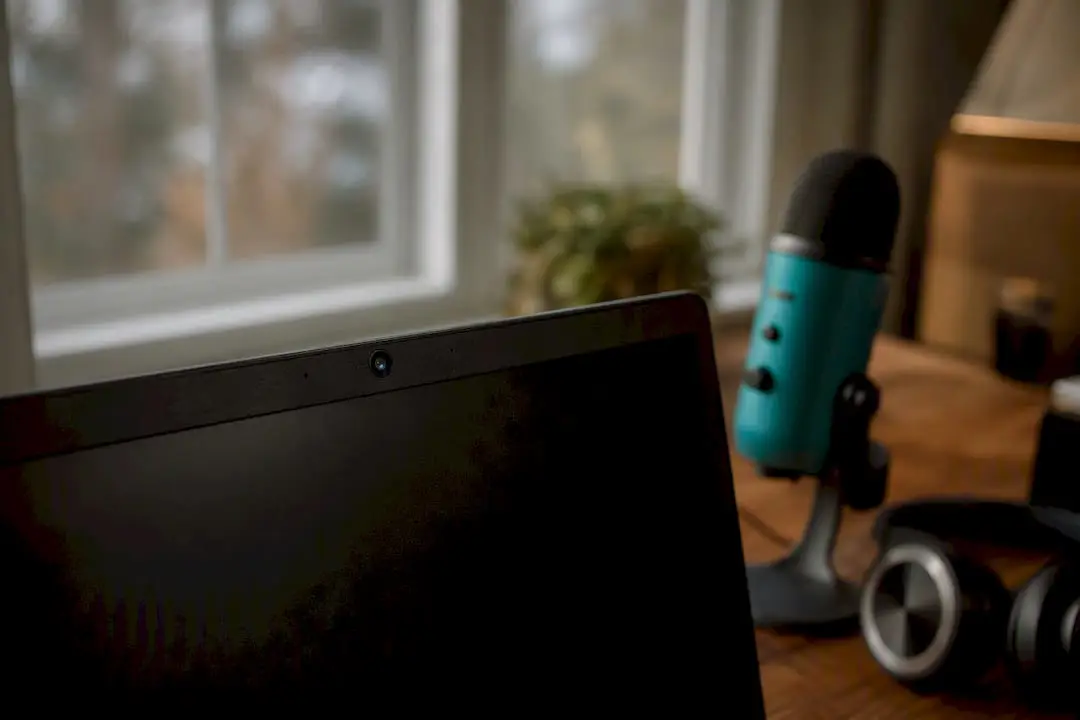
Browser lockdown does the quieter, more mechanical work — tools like a Browser Fingerprint Checker — How Trackable Is Your Browser? help understand the privacy and detection tradeoffs in this process. It disables new tabs and windows, blocks developer tools, prevents screen sharing, and can detect virtual machines candidates sometimes use to run a second, unmonitored copy of the test. These controls close off the paths a determined candidate would otherwise use to search answers or share a screen with someone else.
A few other layers round out a solid setup:
- Clipboard and network controls: disabling copy/paste and restricting access to approved networks or IP ranges.
- Identity verification: an initial photo ID check plus continuous checks that confirm the same person stays in front of the camera.
- Session artifacts: replays, timestamps, and an integrity score that summarizes flagged behavior for reviewers.
Industry guidance points to webcam, audio, screen capture, and browser monitoring working together, with AI-generated flags and identity-continuity tracking doing the first pass so your team reviews exceptions, not raw footage.
Pro Tip: Treat the integrity score as a starting point for review, not a verdict. A score flags where to look; it doesn’t tell you what happened.
How Do You Roll Out Lockdown Browser Tests Across Your Hiring Process?
Rolling out secure-browser testing works best as a deliberate sequence, not a feature you switch on before your next hiring push. Here’s a practical order of operations.
- Define the risk each control addresses. A data-entry role and a security-clearance role don’t need the same monitoring intensity. Write down which risk (impersonation, answer-sharing, unsupervised research) each control is meant to catch, so you can defend the setup later. Talent Approved’s guide on designing job-specific screening tests is a useful starting point for this mapping exercise.
- Publish candidate instructions and an accommodation path before you launch. Candidates should know what will be recorded, what devices and browsers are supported, and how to request extended time or an alternative format.
- Set technical requirements up front. Confirm supported operating systems, minimum browser versions, and camera requirements, and state per-question and total time limits clearly so nobody fails the test because of a settings mismatch.
- Run a pilot before full rollout. A small batch of test-takers lets you measure false-flag rates and drop-off before you scale. Guidance on remote hiring recommends giving candidates an equipment checklist and a practice run so technical failures get solved before the real attempt, not during it.
- Build a triage path. Automated flags should route to human review, and human review should have a clear next step: clear the candidate, request a retest, or schedule a short live verification call.
Talent Approved’s overview of how instant assessments work covers the technical side of this rollout in more detail, including browser compatibility and candidate-side requirements.
Pro Tip: Track your false-flag rate from the pilot onward. If more than a small fraction of legitimate candidates trip a flag, the control is miscalibrated, not the candidates.
Privacy, Fairness, and Accommodation Requirements for Secure Testing
Every proctoring artifact you collect creates a retention obligation and a fairness question. Handle both deliberately, or you’re building legal exposure into your hiring pipeline.
Keep recordings and logs only as long as the hiring decision requires, and write that retention window into your policy rather than leaving it open-ended. An accommodation path matters just as much: publish one, honor it consistently, and route requests for extended time or an alternate test format through a documented process so the same rules apply to every candidate. HR guidance is direct on the next point: avoid using a single control, such as a webcam flag or a browser-lock alert, as the sole basis for rejecting a candidate.
- Configure monitoring intensity by role sensitivity, since stricter defaults for high-stakes roles and lighter settings elsewhere match risk to friction.
- Adjust settings for regional privacy expectations, since webcam and biometric monitoring draw more scrutiny in some jurisdictions than others.
- Tell candidates plainly what you’re collecting and why, before they start the test, not buried in a terms-of-service link.
- Keep a written record connecting each control to the job risk it addresses, which HR guides recommend as evidence in the event of a legal challenge, alongside referencing EEOC guidance and ADA accommodation precedent when documenting your policy.
None of this is optional paperwork. It’s the difference between a defensible screening program and one that collapses the first time a rejected candidate asks why.
Reading Integrity Flags Without Overreacting to False Positives
Not every flag means cheating, and treating them all the same way is how fair candidates get rejected for a bad webcam angle. Sort flags into three categories before you act on any of them.
- Technical anomalies: a dropped connection, a browser crash, an unsupported device. Usually not evidence of anything.
- Behavioral anomalies: eyes off-screen repeatedly, unusual typing pauses, a second voice picked up by the microphone. Worth a closer look, not an automatic rejection.
- Identity anomalies: a face mismatch mid-session, a different person answering after a break. The most serious category, and the one most worth a live follow-up.
Set a conservative bar for anything punitive. For borderline cases, a retest or a short live verification call resolves more ambiguity than a rejection ever will, an approach consistent with treating integrity flags as triggers for review rather than automatic disqualifiers. Weigh flags alongside the candidate’s actual work-sample performance and interview signals, since a single data point rarely justifies an adverse decision on its own, a point Talent Approved’s guide on assessments and candidate ranking reinforces from the ranking side.
| Flag type | Typical cause | Recommended action |
|---|---|---|
| Technical | Connection drop, unsupported browser | Allow retest, no penalty |
| Behavioral | Off-screen glances, typing pauses | Human review, then decide |
| Identity | Face mismatch, voice change | Live verification before any decision |
Log every triage decision and its rationale. That log is what protects you if a rejected candidate ever asks how the decision was made.
What Experience Actually Teaches About Lockdown Browser Testing
Most hiring teams over-invest in the browser lock and under-invest in the human review step that makes it defensible. A hybrid model, secure browser plus targeted human review, consistently beats either extreme: pure automation misreads context, and pure manual review doesn’t scale. Track whether flags actually correlate with job performance before tightening thresholds further, and treat accommodation access as core infrastructure, not a compliance afterthought, since that’s usually where bias quietly creeps into an otherwise sound process.
— Jimmie
Set Up Defensible Lockdown Browser Tests Faster With Talent Approved
Building this whole workflow from scratch, risk mapping, browser lockdown, review triage, documentation, takes most HR teams weeks to get right. Talent Approved compresses that timeline by pairing built-in anti-cheat and browser lockdown controls with Magic Create, which turns a job description or skill list into a tailored, role-specific assessment in minutes instead of days.
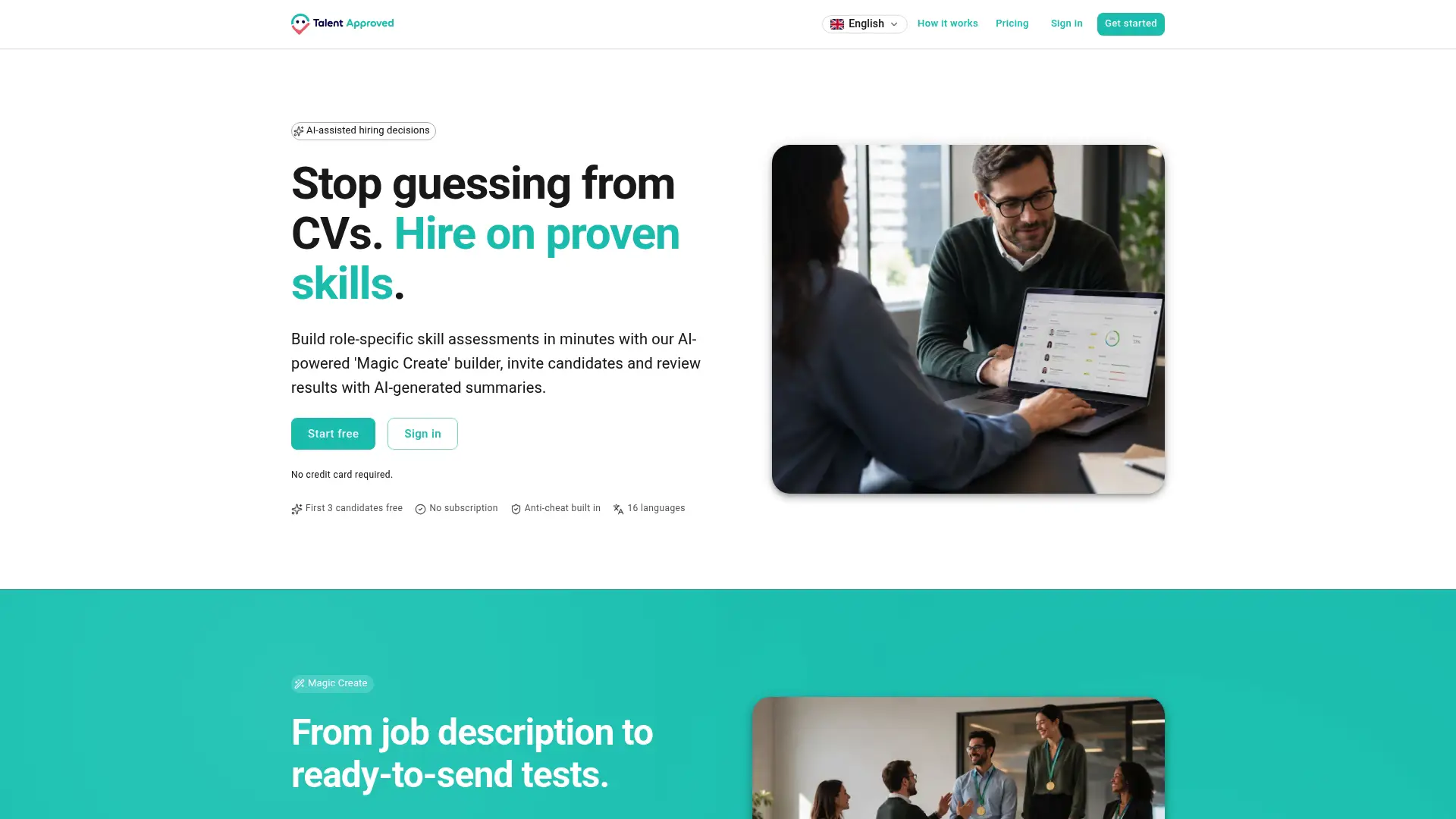
Every completed test comes with session replay and an AI-generated performance summary, so your reviewers get the same triage evidence this guide describes without building a review pipeline yourself. That combination, fast setup plus a ready review workflow, means your team spends its time on decisions instead of configuration. You pay $5 per completed candidate assessment, with no subscription commitment, so there’s no long-term contract standing between you and a working setup. Visit the Talent Approved platform to build your first job-specific assessment and see the anti-cheat and reporting tools in action.
Sources
- Online Proctoring Tool | Secure Remote Assessments
- Video Proctoring for Remote Hiring in 2026
- Secure and Fair Online Integrity Assessments: HR Guide
FAQ
What Is a Lockdown Browser Test in Hiring?
It’s a secure browser environment that locks a candidate’s device to the test, often with webcam or screen recording and anti-cheat rules like disabled tabs and blocked copy-paste, used to protect the integrity of a skill assessment.
Do Lockdown Browser Tests Require Candidate Consent?
Yes. Candidates should get clear notice of what’s recorded and why before the test starts, and employers should document that consent as part of a defensible hiring process.
How Do You Handle a False Positive Integrity Flag?
Route it to human review first, request a retest or short live verification call for borderline cases, and avoid rejecting a candidate based on one flag alone.
Can Talent Approved Run Lockdown-Style Secure Assessments?
Yes. Talent Approved includes built-in anti-cheat controls, browser lockdown features, session replay, and AI-generated summaries, so teams can run secure assessments without assembling separate proctoring tools.
What Should an ADA Accommodation Path Include?
It should offer extended time or an alternative test format, be published before testing begins, and apply consistently to every candidate who requests it.